
A phone camera and a well-organized folder can be enough for rental inspection photos. A dedicated record app becomes useful when you want consistent room and spot labels, notes beside each image, and an easier way to compare and export observations over time. Choose the system you will maintain and can recover outside its original interface.
This comparison covers a manual photo-folder workflow and Tenacove's current renter Beta. Tenacove is a browser-based photo-record tool, not a professional inspection service. The question is whether its organization fits your task, not whether a separate app makes a photograph more truthful.
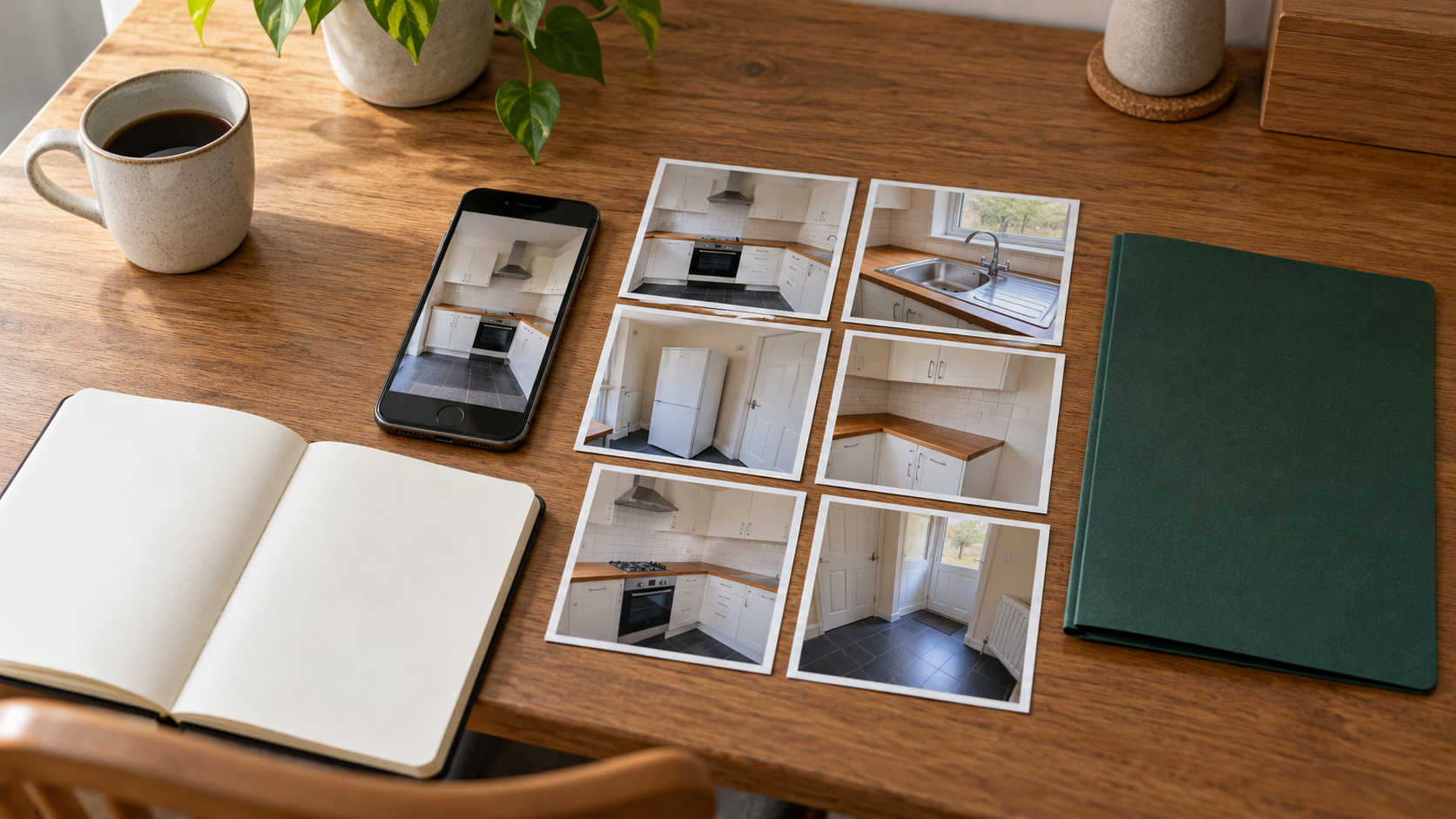
What your phone camera and folders already do well
Your phone already provides a way to capture an image, review it and retain a file. A dedicated album can separate rental photos from everyday pictures. A folder and a small index can also hold room labels, notes, lease documents, maintenance correspondence and videos without requiring those files to fit one app's record format.
That can be the right choice for one apartment with a straightforward move-in and move-out record. If you can find the relevant image later, understand its context and make an independent backup, you have addressed much of the organization problem.
The trade-off is maintaining the structure yourself
A camera roll alone does not explain why you took a close-up. You need a habit for room and spot labels, observations, source messages and later comparisons. Whether you use filenames, a spreadsheet or a notes file, choose one index and keep it with the originals.
Using tools you already have may avoid another app charge, but check your actual storage and backup arrangements. This is not a claim that every cloud account, device or photo library has unlimited free storage.
Compare the record workflow, not just the camera
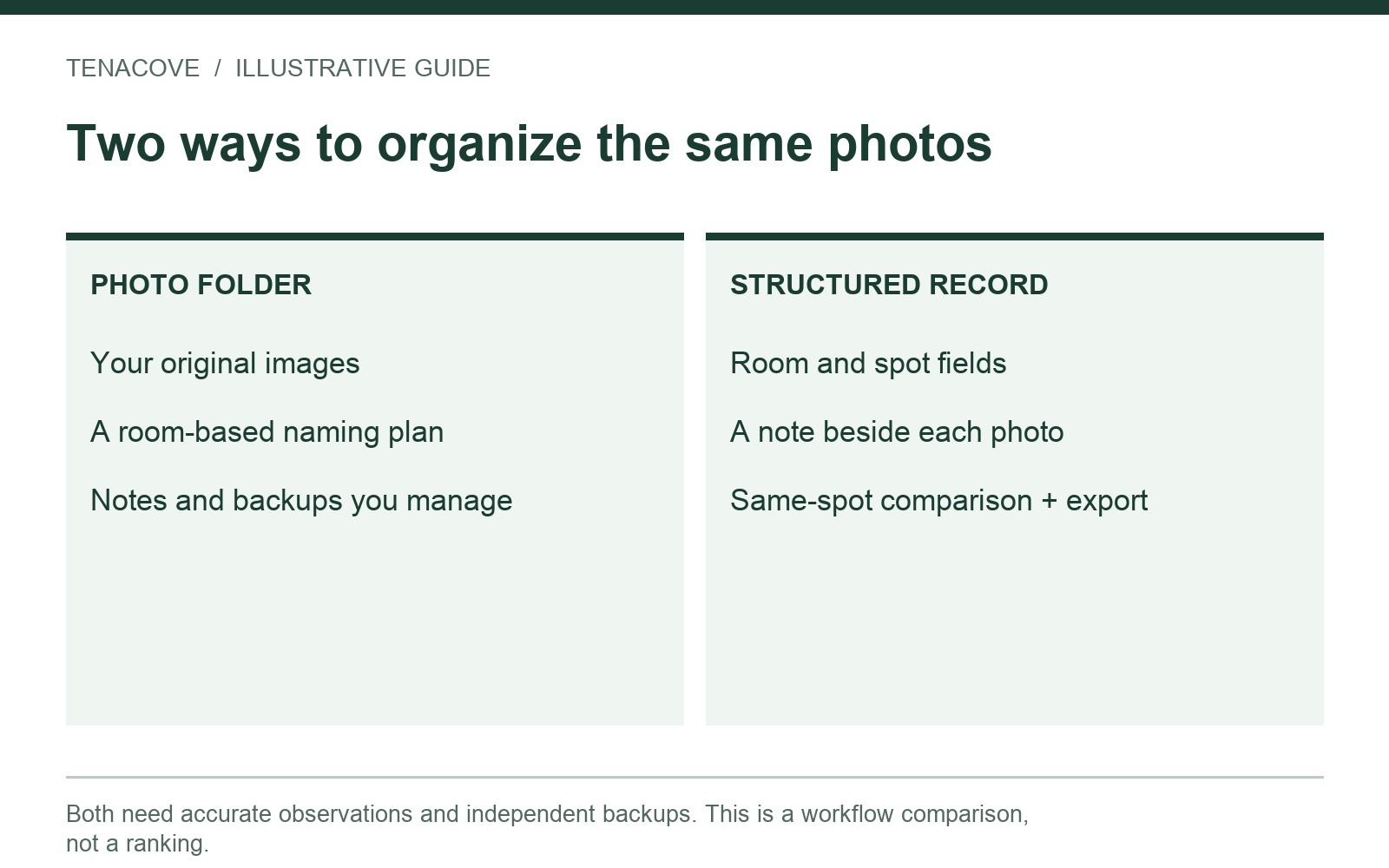
Both approaches can start with the same image from the same phone. The difference is what you do with location, context and later changes. The table compares a deliberately organized manual setup with Tenacove's published Beta features, checked October 20, 2026.
| Task | Camera plus manual folders/index | Tenacove Beta |
|---|---|---|
| Capture a photo | Use your camera, then select and organize files | Take or select a supported photo in the browser workflow |
| Identify room and exact spot | Maintain filenames, folders or an index yourself | Room, spot, stage and note fields accompany a record |
| Compare a spot over time | Find and place the matching files together | Same-spot comparison groups matching records |
| Preserve original photos | Keep originals and check your transfer/export settings | Complete archive includes uploaded original photo files |
| Keep email, lease PDFs and video | Can retain these as separate files in your chosen storage | No email/PDF import or video upload in the current Beta |
| Build a portable package | Copy originals, notes and source index into a readable folder | ZIP export with originals, HTML report, structured list and README |
| Collaborate with roommates | Use your chosen tools and check their sharing permissions | Individual accounts; no shared workspace or invitation permissions |
| Authenticate capture time or determine fault | A folder, filename or date overlay does not establish this | Does not authenticate capture dates, decide liability or promise a refund |
See how Tenacove works for the current workflow. This table does not compare every rental inspection product, rank alternatives or attribute another company's features to Tenacove.
When room and spot labels become useful
Consider a close-up of a small chip. Six months later, can you identify which counter it shows? A wide view provides context; a stable label such as “Kitchen → Countertop beside sink” connects the detail to its location. Using the same label later makes a comparison easier to assemble.
The value grows when you add a maintenance event between move-in and move-out. You may have an original observation, a repair request, an image after a visit and a final departure photo. A consistent location label makes the sequence readable without claiming which event caused the condition.
You can create this context manually
A simple index might contain photo reference, stage, room, spot, observation date, visible condition and source-message reference. Keep it in a file you can open independently. A folder named only “apartment” is weak organization; a well-maintained index is a fair alternative to a dedicated record app.
Whichever approach you choose, use a repeatable capture route. The move-in photo checklist explains the wide, context and detail views that give the index something useful to describe.
Try the same small task in both systems
Before committing an entire tenancy, compare one non-sensitive example: a fictional kitchen-counter observation followed by a later view of that same spot. Use synthetic or ordinary test materials if you are evaluating the interface rather than recording a real rental.
| Step | Manual approach | Tenacove approach |
|---|---|---|
| First observation | Retain original file; add an index row for Kitchen / Counter beside sink | Add a supported photo with the same room, spot, stage and actual observation date |
| Later observation | Add another file and index row using the same location label | Add another record under the same room and spot |
| Review the pair | Open both files and read their notes together | Use the same-spot comparison and read the notes |
| Leave the system | Copy originals and index; open them from the copied folder | Export and extract the complete ZIP; inspect the report and originals |
This is a proposed evaluation exercise, not a timed benchmark or a report of a physical-phone test. Ask whether another person could identify the spot and distinguish the observations using the exported material alone. Do not judge the result only by how polished the interface looks.
Use the sample without confusing it with your records
Tenacove's public sample uses generated photos and fictional details. It resets when you leave or reload, and its export is labeled synthetic. It is useful for understanding the structure, but it is separate from a signed-in personal archive and cannot become evidence about a real apartment.
Watch on YouTube ↗
Check originals and dates in either workflow
A photo visible in a library and a downloaded file are not always the same representation. Check the export options of the service you use rather than assuming a screenshot, edited copy and camera original are interchangeable.
For example, Apple's Photos export guide for Mac distinguishes exporting in a selected format from exporting an unmodified original. That is Mac-specific guidance, not a claim that the same controls exist on every phone.
Google's data-download guidance notes that a downloaded file can receive a new filesystem timestamp while embedded photo metadata remains in the file, and that additional service metadata may be provided separately. Keep associated export files when they are part of your archive.
Do not turn date information into an authenticity claim
A camera date, a date you enter beside an observation and a service's receipt time describe different things. A tidy interface cannot turn them into independent proof of when or where a scene occurred. Keep accurate notes about their source and preserve any uncertainty.
Tenacove stores an observation date you confirm and a server receipt time. Its comparison view organizes those records; it does not certify the past condition. A manual folder has the same need for honest labels.
Make portability part of the choice
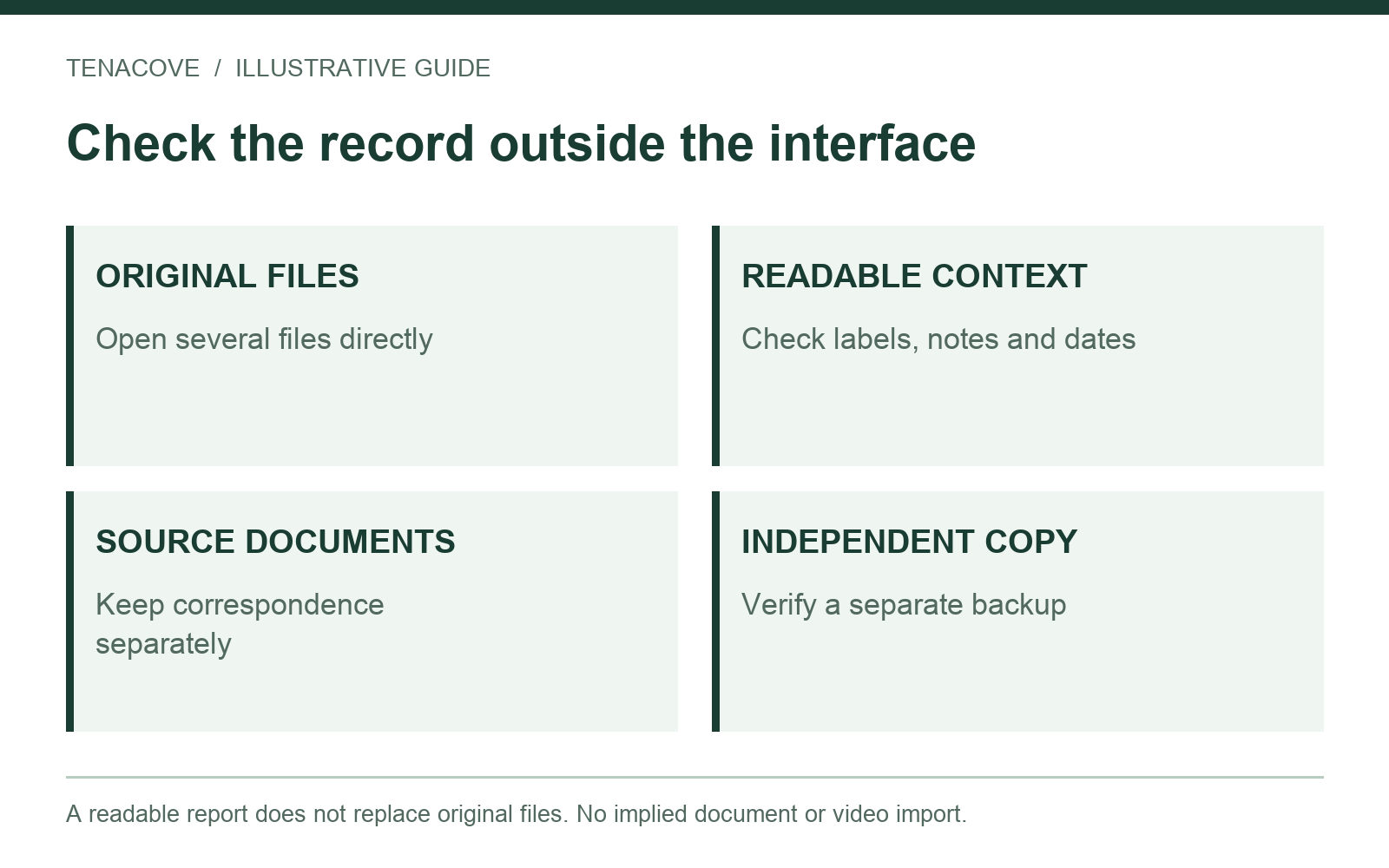
Try opening your archive somewhere other than the interface where you created it. For a manual system, that means the copied originals, readable index and associated source files. For Tenacove, extract the entire ZIP before opening report.html and keep the originals directory beside the report.
Open several original files. Check that room names, notes and dates remain understandable, and make sure the report's image links work. Do not move only the HTML file and assume its linked photos travel with it. The Tenacove export guide explains the package and its limits.
Keep source documents and private copies separately
Tenacove's current archive contains the photo records the app accepted. It does not silently include your lease, original maintenance emails, video or PDF invoice. Retain those outside the app and connect them with a simple source index.
Before sharing either kind of archive, inspect private belongings, people, mail and location metadata. Share only what is needed and retain your untouched private originals. More convenient organization is not permission to expose other residents' information.
Consider the current Beta limits before choosing Tenacove
Tenacove is currently a small free Beta, with account and storage limits. There is no paid plan to unlock capacity, no active payment collection, no email service, no video upload and no PDF generation. It does not provide shared roommate permissions or legal representation. Read the current Free Beta and limits page before relying on available space.
The pilot also makes no permanent-storage promise and has no self-service recovery. Keep your original photos independently and export periodically. If you need a single repository for videos, original correspondence and documents, a separate file system remains necessary with this Beta.
Do not choose a tool because it implies a better deposit outcome. For a rights or procedure question, USAGov directs renters toward state tenant resources and legal aid. Neither a camera folder nor Tenacove decides a dispute.
Choose the lightest system you will keep current
Keep a manual folder if you already maintain clear filenames or an index, have a backup you can open, and prefer storing mixed file types together. A short, understandable record is more useful than a specialized account you stop updating.
Consider Tenacove if room and spot labels, notes and repeated observations are the part you struggle to maintain, and its current limits fit your needs. Try the example first and check an export before committing important records. Keep your separate originals and source documents in either case.
Rental-photo app questions
Do I need an app to document my apartment?
No. Clear photos, factual notes, relevant correspondence and independent backups can be organized manually. An app offers a structure; it is not a requirement for taking useful condition records.
Can Tenacove replace the landlord's inspection form?
Do not assume so. Follow your lease and management instructions, retain the submitted form and any confirmation, and keep your own archive alongside them. Uploading a photo does not submit a report to management.
Will the app make the same phone photo better?
Its stated value here is organization. A room label or comparison view can add context, but it cannot reveal what was outside the frame or recover an earlier condition that was never recorded.