
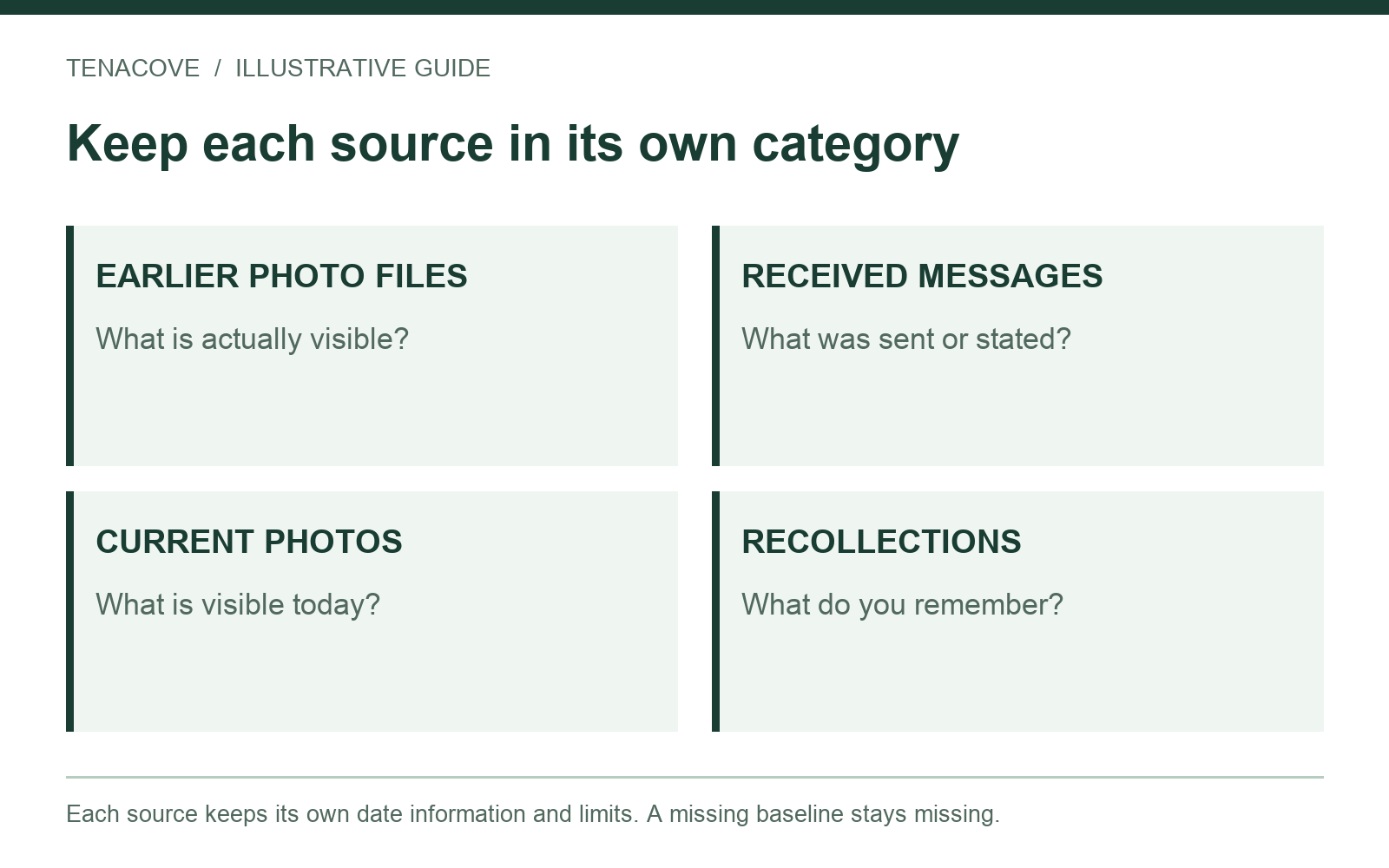
If you forgot to take pictures before moving into an apartment, collect genuine records that already exist, photograph the condition you can lawfully access now, and clearly identify the missing move-in baseline. Keep current observations, older source files and personal recollections separate. Do not backdate a new photo or present it as an image of an earlier condition.
Missing photos leave a gap. They do not tell you, by themselves, whether a later charge is justified or what the outcome of a disagreement will be. Your next useful step is a truthful source inventory that shows what can still be checked.
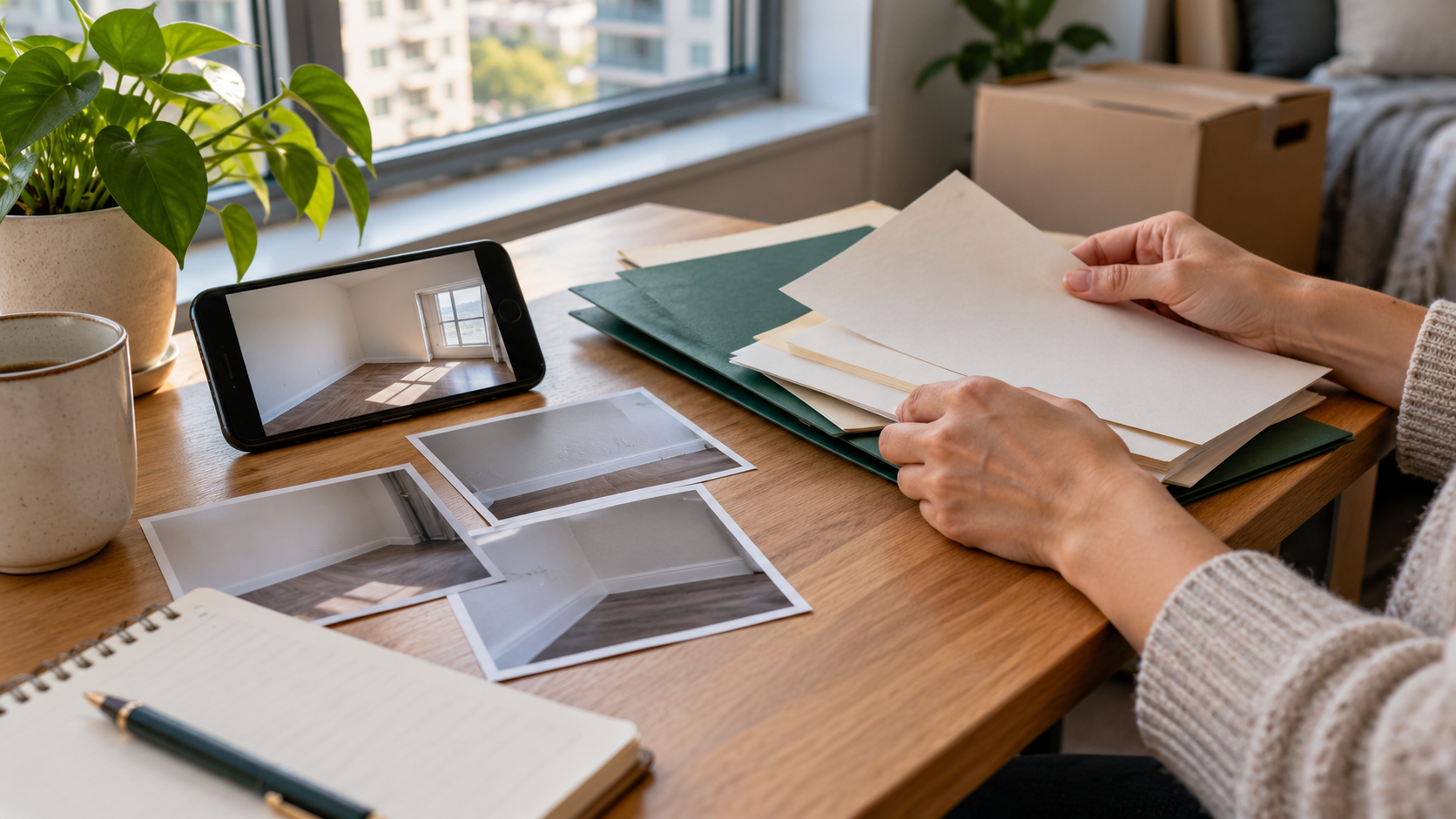
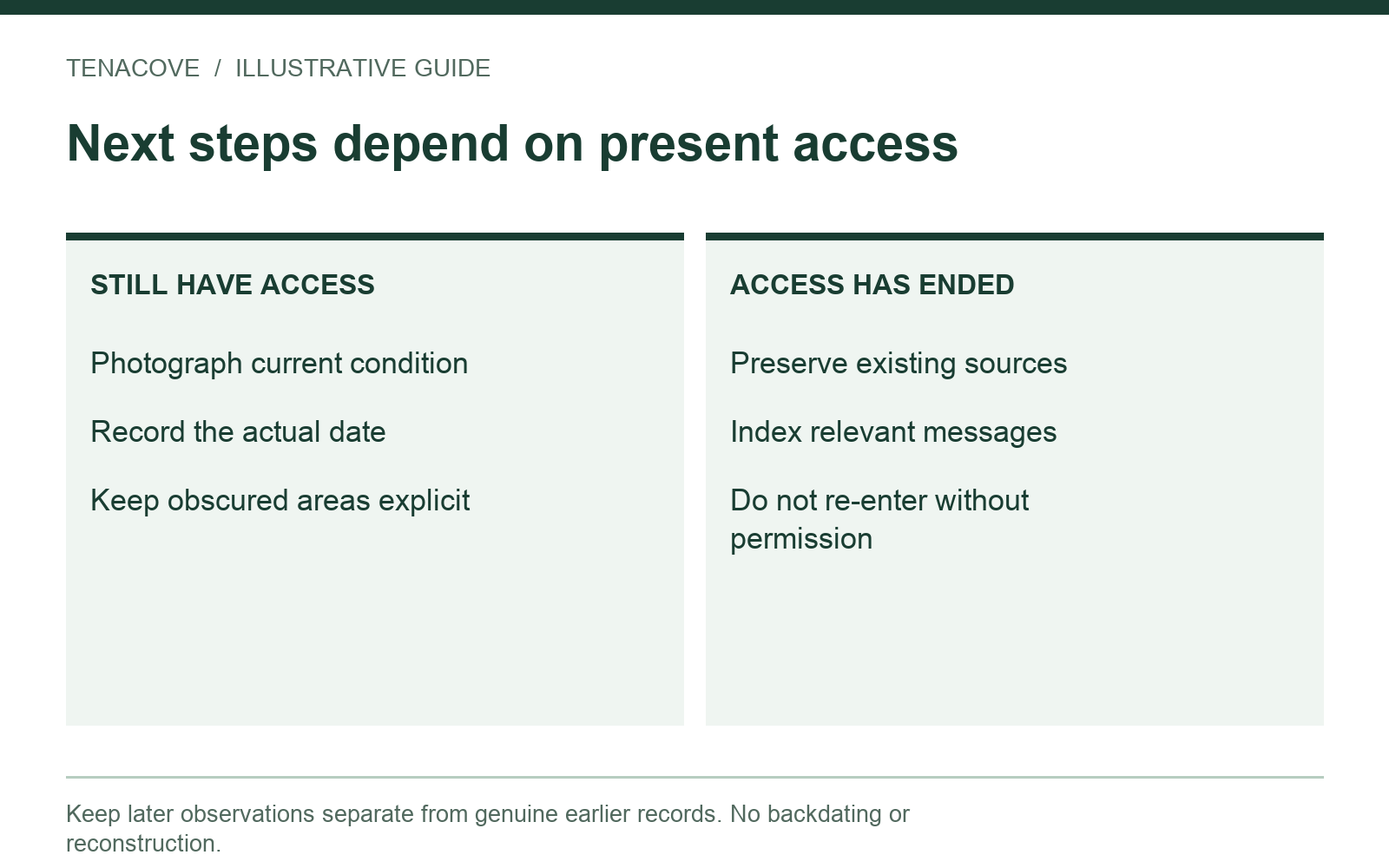
Choose your next step based on current access
Someone still living in the apartment has a different task from someone who has returned the keys. Start with that distinction. You can document a room you can lawfully access today, but today's view cannot recreate what was hidden, changed or absent on move-in day.
| Your situation | Useful next step | Boundary |
|---|---|---|
| Still living in the apartment | Record today's accessible condition and inventory genuine older sources | Label the new photos with the actual observation date |
| Preparing to move out, with access | Photograph after your belongings and cleaning no longer hide the relevant areas | Record areas still occupied or inaccessible |
| Already returned keys or lost authorized access | Preserve existing files and ask through the appropriate channel for relevant reports | Do not enter or arrange access without permission |
| Received an itemized charge | Index each charged item against the sources you actually have | A missing source is an unanswered question, not a verdict |
Keep the gap visible
Use a note such as “No move-in photo located for this spot; current photo taken October 20.” That is more useful than changing an upload date, placing today's picture in a folder called “move-in,” or asking an AI tool to reconstruct an empty room.
A synthetic reconstruction may help explain a hypothetical layout, but it is not a record of the former condition. Do not include generated images in an actual tenancy record as if they were photographs of the property.
Look for real sources you may already have
Search before assuming every earlier record is lost. Start with the accounts, devices and folders you used during the tenancy. Avoid editing, renaming or deleting the originals while you investigate. Make a working index beside the files instead.
Check your own photos and messages
A room photo sent to a friend, a delivery photo or an image attached to an early repair request may include a relevant surface. Search by an approximate date range and inspect the actual image. A timestamp or album name alone does not tell you what the image contains.
Keep the widest original version you can find. A crop of a countertop edge can lose the context that identifies the room. If you find only a screenshot or message-compressed copy, retain it and label it as that kind of source; do not call it the camera original.
Check inspection forms and maintenance correspondence
Look for a submitted move-in checklist, portal receipt, management inspection report, repair request or reply that mentions a specific condition. Preserve the version actually sent or received, including its attachments where available. An empty template downloaded today is not the form you submitted at move-in.
You can ask management for a relevant inspection report or images through the normal channel. Keep the request and response, and describe the material as supplied by management. Receiving a report does not mean you agree with every description in it.
Treat listing images and recollections cautiously
A listing photo may show another unit, a staging arrangement or an unknown earlier date. Keep its page context and any available date information, but do not quietly use it as your unit's move-in baseline. If you cannot verify the unit or spot, say so.
A roommate's memory is a recollection until supported by a source. If they voluntarily provide their own photo or statement, preserve its provenance and their actual wording. Do not write that everyone agreed about a condition unless they did, and respect privacy when asking for or sharing material.
Build a source table before writing an explanation
Make one row per relevant item. A useful table identifies the source, the date information available, the visible or written fact, and what the source cannot establish. This keeps an understandable record from turning into a confident story with invisible assumptions.
| Source | Available date information | What it shows or says | What remains unknown |
|---|---|---|---|
| Old room photo from personal library | Library displays October 5; original file retained | Counter visible behind a box | Front edge partly hidden; date not independently authenticated |
| Maintenance email attachment | Message received October 8 | Small chip visible at front edge left of sink | Original camera capture date not confirmed |
| Current wide and detail photos | Observed and photographed October 20 | Same labeled counter edge visible | Condition before the earliest available source |
| Personal recollection | Written down October 20 | Renter recalls noticing a mark during the first week | Exact date and earlier appearance unsupported by a photo |
All dates and observations in this example are illustrative. The counter's actual earlier condition remains unresolved. Combining several incomplete sources does not automatically fill the missing part of the record.
If you still live there, record today's condition clearly
Use a repeatable route through accessible rooms. Start with a wide view, then show a fixed feature around a relevant spot and add a detail where useful. Record what is obscured by furniture or belongings. Do not move hazards, open building equipment or enter a roommate's private space without permission.
For each spot, write a short factual note: location, visible condition, actual observation date and missing baseline. “Living room, wall below window: two dark scuffs visible today; no move-in image found” is clearer than “pre-existing damage” if you cannot substantiate when the marks first appeared.
Report a current maintenance concern separately
If you discover an active problem, follow the building's reporting instructions. Saving a photo does not submit a maintenance request. Preserve the real request and response outside the photo archive. The during-lease record guide shows how to connect observations with that correspondence.
If you are about to leave, follow the move-out photo route. The new images can describe condition at your departure, even when an earlier comparison is unavailable. They should keep their actual stage and dates.
If you already moved out, organize what remains available
Preserve downloaded portal records before accounts become inaccessible. Save the original inspection statement, any itemized charges, attachment list, relevant messages and your own earlier files. Record what you requested but have not received.
Do not return to take new photographs after authorized access has ended without permission. If a later inspection photo is supplied to you, label its source and supplied date rather than describing it as your own observation.
Match each charge to a specific question
For an itemized charge, make a separate index entry for the named room, surface or task. Connect only the photos and documents that actually relate to that item. A receipt for general cleaning may not explain which location a particular photo shows; list that as a question rather than deciding what it means.
Useful factual questions include: Which surface does this line refer to? Which image matches it? What work does the supplied invoice describe? What date information accompanies the inspection? Keep your requests for clarification and the responses intact. Do not invent a response or interpret silence as agreement.
Preserve original files and explain the date information
A date in a photo library is useful information, but it is not independent authentication. Apple's iPhone photo-information guide explains how to view information and adjust a photo's date, time or location. That is one reason a displayed date should not be treated as proof by itself.
Do not change a file's date to the day you remember a mark appearing. Retain the original and put the recollection in a separate note. A received-message date, an embedded photo date, an observation date and an upload receipt answer different questions.
Make the record understandable outside the app
Use stable room and spot labels in both your source index and photo notes. In Tenacove, the current workflow supports photos, notes and same-spot comparison. It does not reconstruct an absent baseline or import your original emails, lease PDFs and invoices. Keep those sources in a separate folder.
Export and check your files before relying on the archive. Extract the entire ZIP, open its report and several originals, and confirm that an unknown date or missing image has not been silently replaced by an assumption. The export-check guide gives the steps. Maintain an independent copy because this is an early Beta.
Use local help for rights, deadlines and disputes
Missing move-in photos are a record problem; a deposit dispute is also a location-specific legal question. USAGov's tenant-rights page directs renters to state resources and legal aid. Check the rules that apply to your rental rather than borrowing a deadline from another state.
An organized source table can help you explain what you have. It does not determine who caused a condition, whether a deduction is permitted or what a court will accept. Do not wait for a perfect archive before seeking help with a time-sensitive notice.
Questions about missing move-in pictures
What if I have photos of every room except one?
Preserve the records you have and mark the specific room or spot as missing. A complete bedroom record does not describe a kitchen that was never photographed. Avoid labeling the whole apartment either “fully documented” or “undocumented.”
Can I use the landlord's move-in photographs?
You can preserve photographs supplied to you and identify their source. Check which unit and location each image actually shows and what date information accompanies it. Keep your observations separate from the report's descriptions or conclusions.
Are current photos still worth taking?
When you have authorized, safe access, they can record current visible condition and support future comparisons. Their value does not require pretending they show move-in day. Keep the actual date and the baseline limitation beside them.
Make the next baseline easier
For this tenancy, finish with a readable inventory of genuine sources and explicit gaps. For your next move, use the move-in photo checklist before boxes cover the relevant surfaces. A simple route and consistent notes are easier to maintain than trying to rebuild the first day months later.
Watch on YouTube ↗